Печать изображений в веб приложении
В этом разделе
1. Классы JavaScript для печати изображений/документов в веб приложении
Класс WebPrintManagerJS - это класс JavaScript, предназначенный для предварительного просмотра и дальнейшей печати изображений/документов. Класс может быть создан на стороне клиента веб-приложения. Для работы класса требуется веб сервис для получения информации об изображении/странице и рендеринга изображения/страницы. В качестве веб сервиса можно использовать контроллер ASP.NET Core Web API (VintasoftImageApiController), контроллер ASP.NET Web API 2 (VintasoftImageApi2Controller) или ASP.NET HTTP обработчик (Vintasoft.Imaging.Web.HttpHandlers.VintasoftImageHandler).Вот JavaScript код, демонстрирующий, как распечатать каждое второе изображение/страницу из просмотрщика изображений:
Вот JavaScript код, демонстрирующий, как распечатать все изображения/страницы из просмотрщика изображений; печать должна выполняться с пользовательскими настройками (2 изображения/страницы на одной странице принтера):
Класс WebAnnotationPrintManagerJS - это JavaScript-класс, предназначенный для предварительного просмотра изображения/страницы с аннотациями и последующей печати. Класс может быть создан на стороне клиента веб-приложения. Для получения информации об изображении/странице и его отображении, а также для работы с аннотациями классу требуется веб сервис. В качестве веб сервисов можно использовать контроллеры ASP.NET Core Web API (VintasoftImageApiController и VintasoftAnnotationCollectionApiController), контроллеры ASP.NET Web API 2 (VintasoftImageApi2Controller и VintasoftAnnotationCollectionApi2Controller) или ASP.NET HTTP обработчики (Vintasoft.Imaging.Web.HttpHandlers.VintasoftImageHandler и Vintasoft.Imaging.Annotation.Web.HttpHandlers.VintasoftAnnotationCollectionHandler).
Вот JavaScript код, демонстрирующий, как распечатать все изображения/страницы из просмотрщика изображений с аннотациями:
Вот JavaScript просмотрщика изображений с аннотациями, демонстрирующий, как распечатать все изображения/страницы из просмотрщика изображений с аннотациями; печать должна выполняться с пользовательскими настройками (2 изображения/страницы на 1 странице принтера):
2. Пользовательский интерфейс веб просмотрщика документов для печати изображений в веб приложении
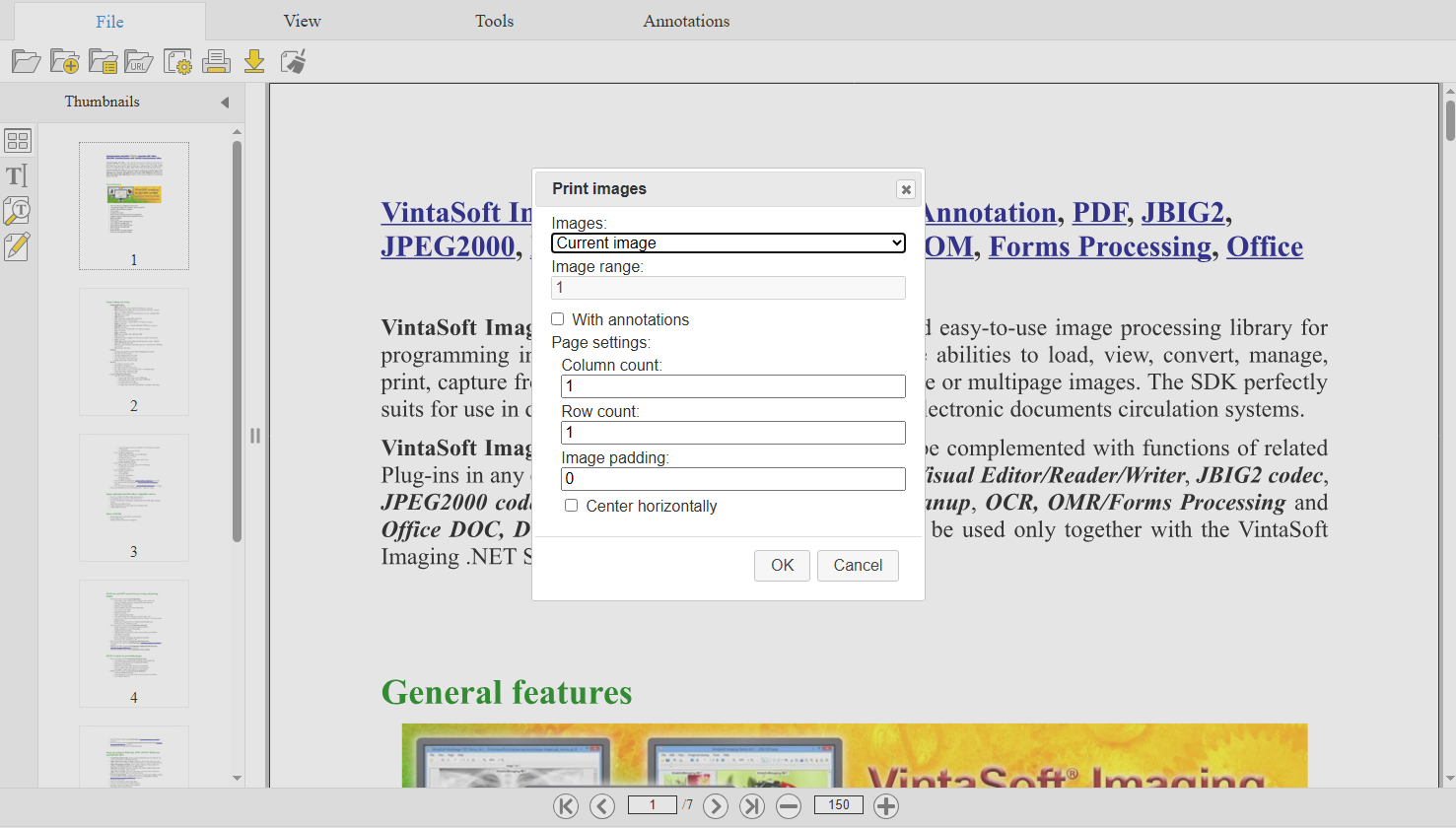
Класс WebPrintImagesDialogJS представляет собой UI-диалог, который можно использоваться в UI-контролах WebDocumentViewerJS или WebPdfDocumentEditorControlJS и который позволяет распечатывать изображения/документы, отображаемые в просмотрщике изображений.Вот скриншот UI-диалога печати (Bootstrap) для WebDocumentViewerJS в веб приложении:
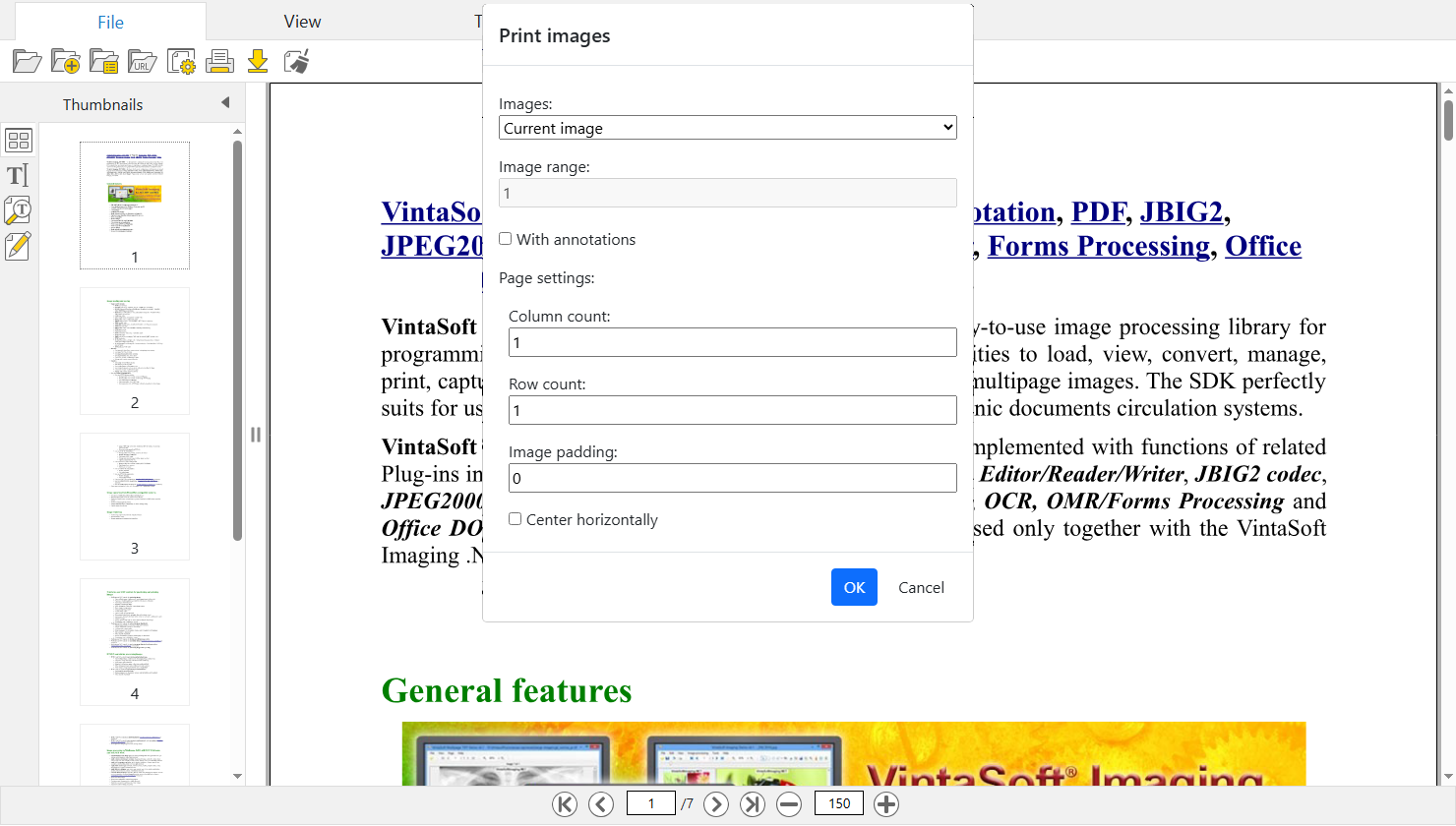
Вот скриншот UI-диалога печати (jQuery UI) для WebDocumentViewerJS в веб приложении:
По умолчанию главное меню содержит кнопку "Печать" в подменю "Файл".
3. Пользовательский интерфейс веб редактора документа для печати DOCX документа в веб приложении
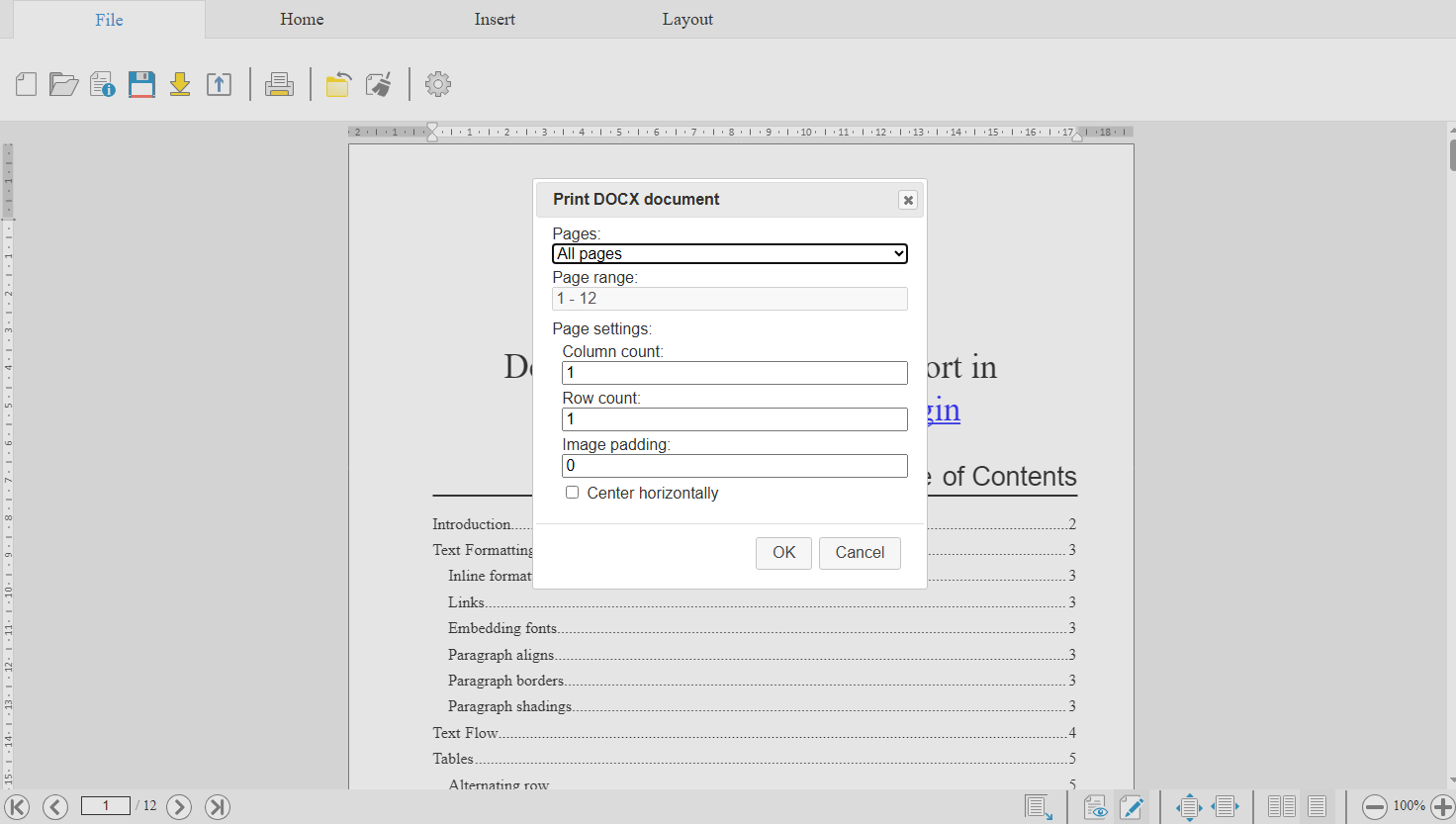
Класс WebUiPrintDocxDocumentSettingsDialogJS представляет собой UI-диалог, который можно использовать в UI-контроле WebDocumentEditorJS и который позволяет распечатать DOCX документ, отображаемый в редакторе документа.Вот скриншот UI-диалога печати (Bootstrap) для WebDocumentEditorJS в веб приложении:
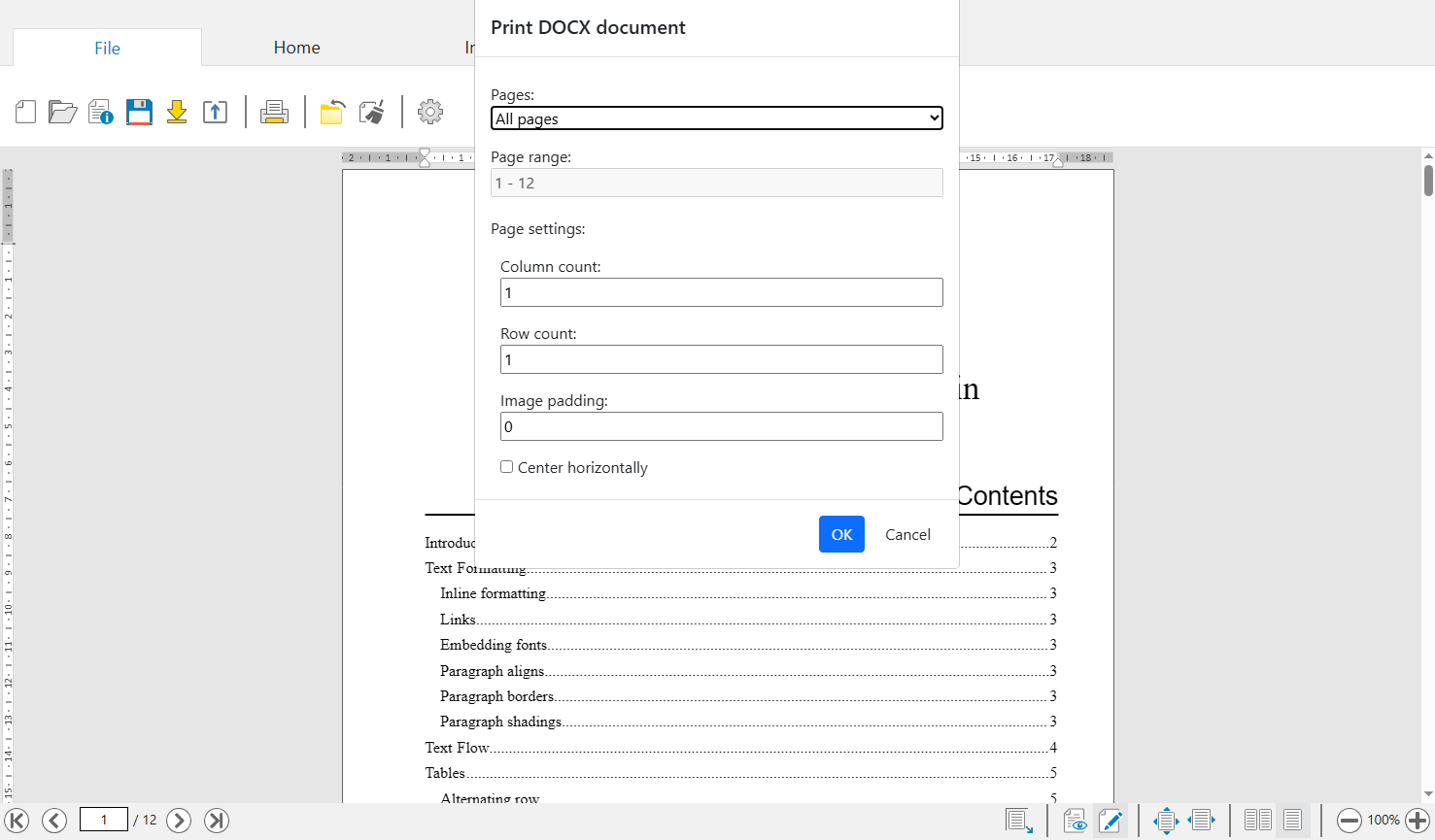
Вот скриншот UI-диалога печати (jQuery UI) для WebDocumentEditorJS в веб приложении:
По умолчанию главное меню содержит кнопку "Печать" в подменю "Файл".